 HiveSuite
Your Command Centre for Invoice and Quotation Templates
The Template Builder home screen automatically sets everything up on first use, then displays live statistics, powerful search, and quick actions for all your quotation and invoice layouts. Jump straight into an AI conversation, open the drag-and-drop visual builder, or make advanced edits - everything in one centralised dashboard.
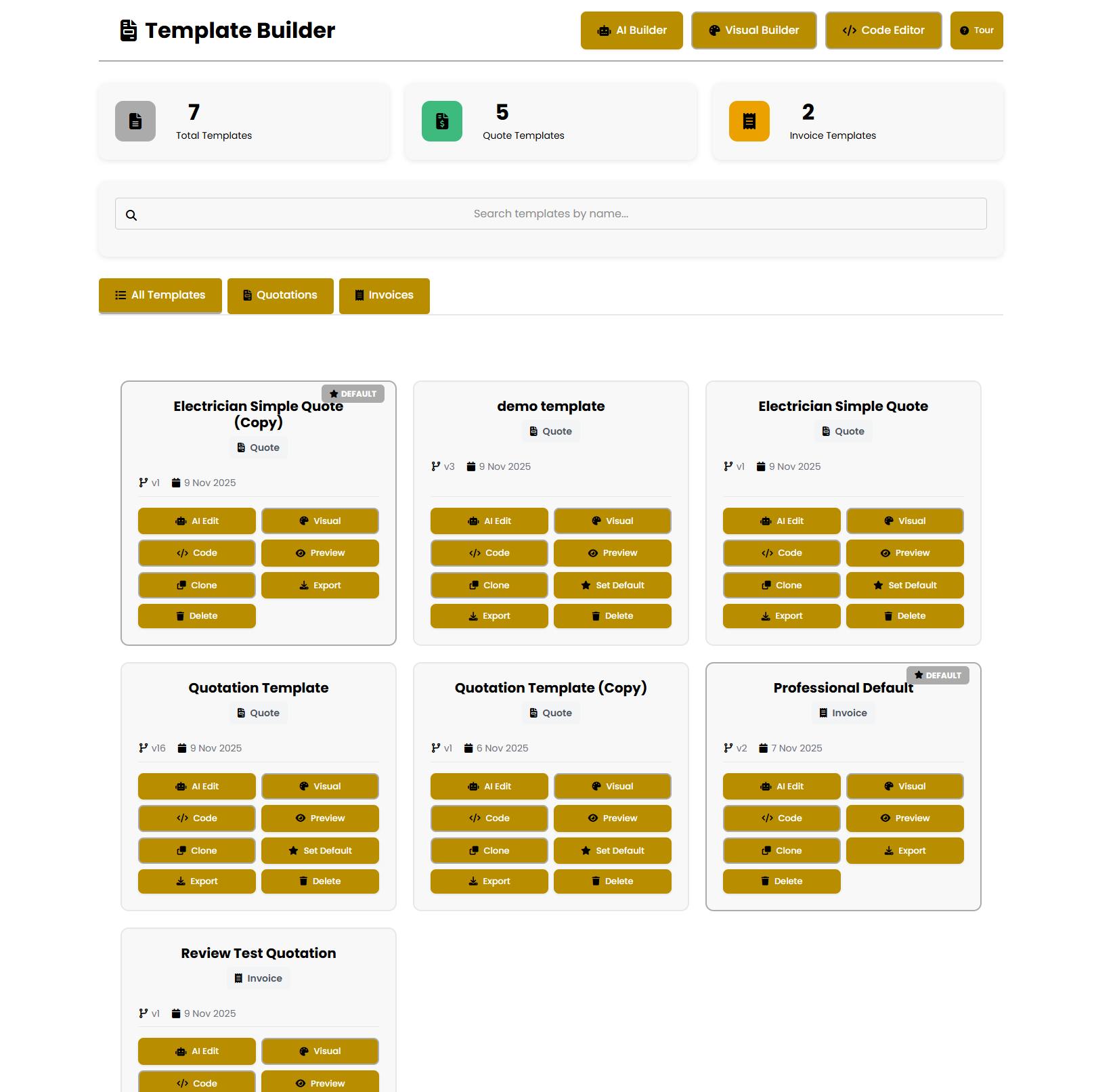
- Automatic setup checks
- Live template counters
- Team access controls
- One-click defaults
AI-Powered PDF Template Conversion
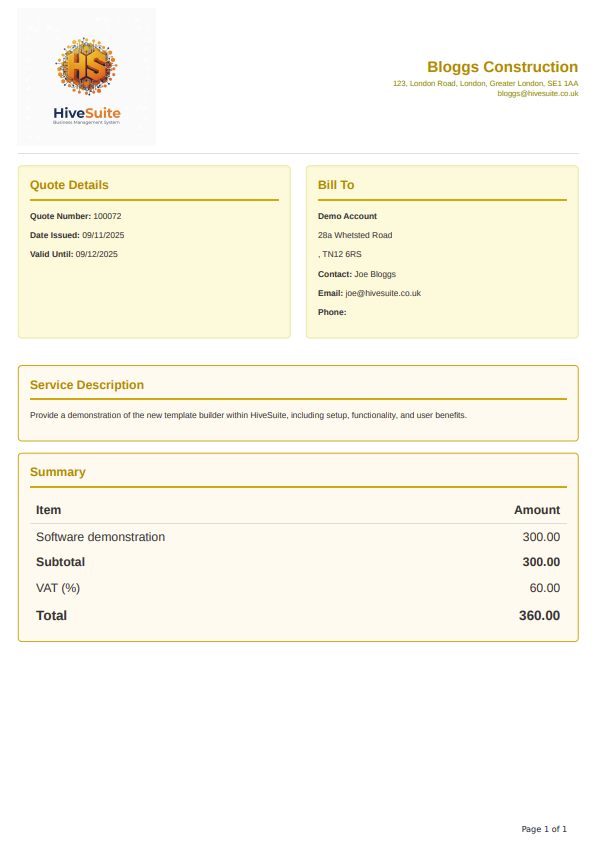
Already have invoice or quotation templates you love? Upload your existing PDF and HiveAssist intelligently analyses the structure, recreates the styling, and automatically configures all necessary placeholders. Continue the conversation to refine headings, adjust colours, or modify sections - no need to start from scratch.
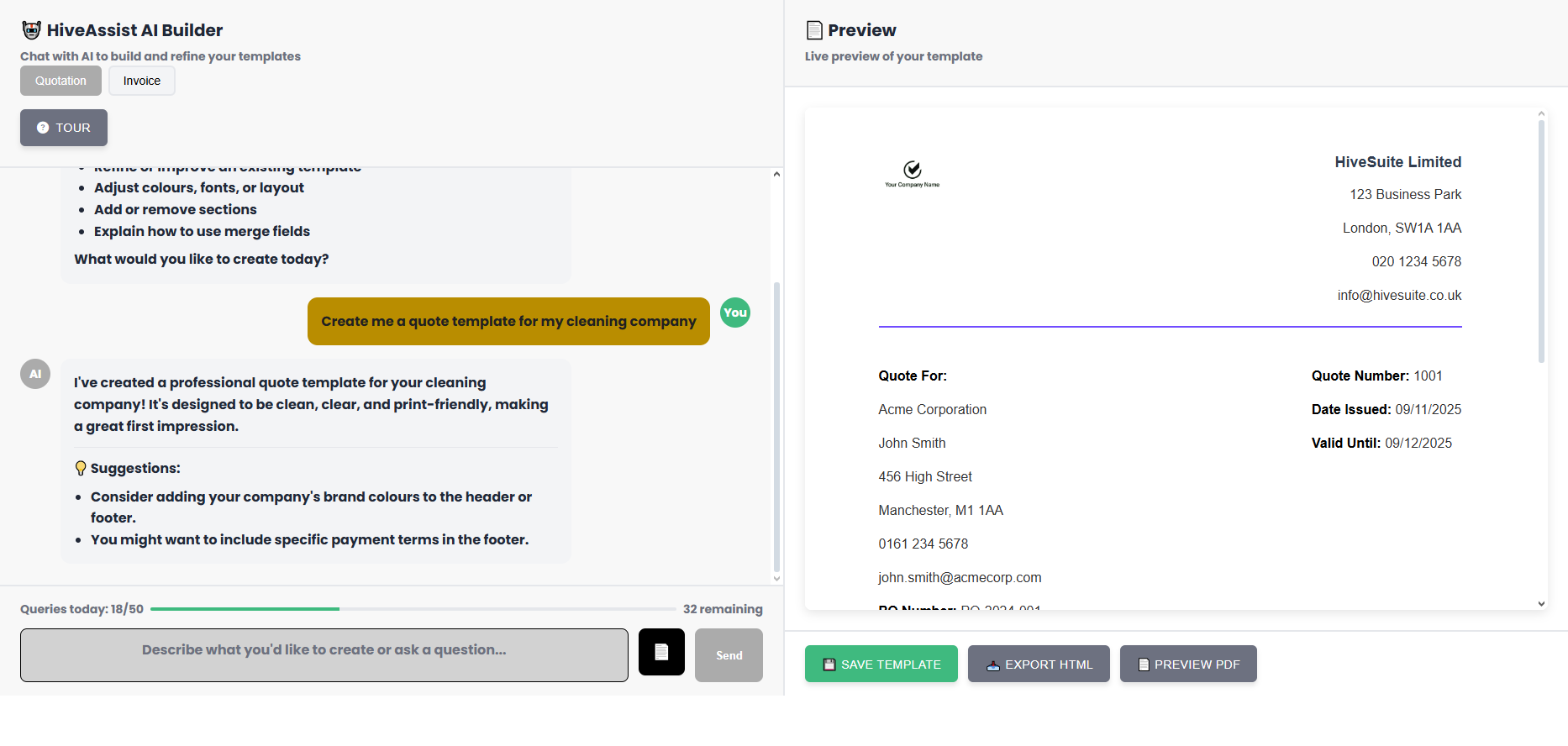
Note: All Template Builder features are available to all users. The visual builder, template management, and default settings work for everyone. AI features (HiveAssist conversations and PDF analysis) are available to active subscribers. Demo accounts can explore all other template features during their trial.
Automated Template Integration Across Your Workflow
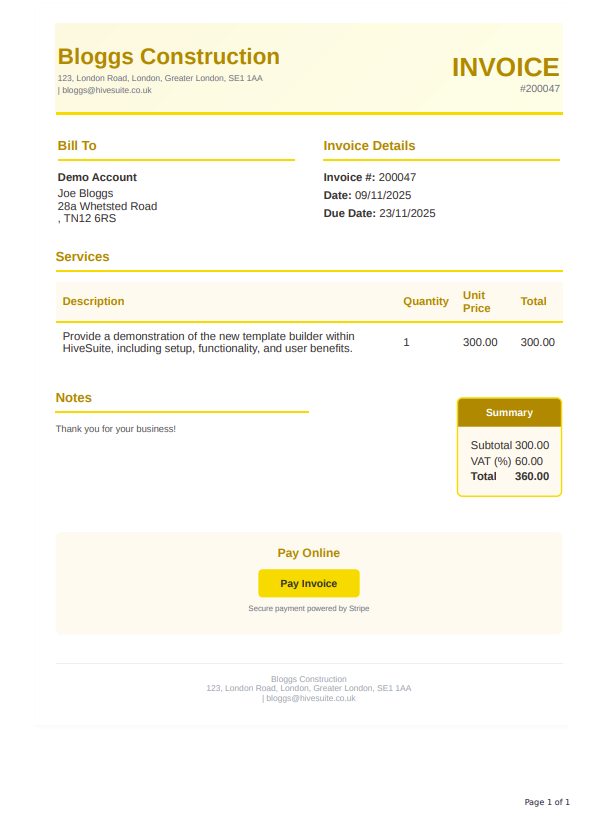
Set your default invoice and quotation templates once, and HiveSuite automatically applies them across your entire workflow. Confirmation screens feature intuitive template pickers, theme toggles, and instant preview buttons. Client emails automatically attach professionally branded PDFs that match your template exactly.
Creation flows
- Select templates while generating a quotation or invoice.
- Preview PDFs with your theme colours before finalising.
- Send emails that link to the secured, branded PDF.
List pages & dashboards
- View buttons in All Quotations/Invoices open the correct template automatically.
- If no default exists, users are prompted to assign one from Template Builder.
- Customer overviews use your default templates for every quick view.
Management tools
- New management screen tracks totals, defaults, and all your templates.
- Filters, search, and quick actions make it easy to find what you need.
- Default settings ensure all your invoices and quotes use the right template.
Why UK Trade & Construction Businesses Choose Template Builder
HiveSuite is built for busy electricians, plumbers, joiners, and construction SMEs who need compliant paperwork without wasting evenings tweaking Word documents. Template Builder keeps VAT, CIS, and payment schedules consistent while giving prospects the polished digital experience they now expect.
- Impress clients on every channel Responsive, branded PDFs look identical on mobile and desktop so customers can approve quotes in seconds.
- Stay audit-ready Track which template was used for each job, add CIS statements automatically, and reuse the same structure for HMRC submissions.
- Upsell smarter Highlight maintenance plans, finance options, or seasonal promotions inside every quotation footer so no opportunity is missed.
- Centralise brand control Limit editing permissions to managers while allowing field teams to send documents that already follow brand rules.
Pair Template Builder with HivePlanner for job scheduling and the mobile-friendly business software toolkit to deliver a cohesive journey from quote to cash.
Template Optimisation Best Practices
Optimised templates do more than look good – they help your content rank, improve conversion rates, and reinforce trust. Use these proven techniques before publishing a new layout to your team.
Branding hygiene
- Embed high-resolution logos with transparent backgrounds for crisp output.
- Keep heading hierarchy consistent (H1 for titles, H2 for sections) so screen readers and search engines understand the structure.
- Use accessible colour contrast (WCAG AA) for totals and due dates.
Conversion cues
- Add smart fields for next steps, payment terms, and support contacts so clients always know what to do.
- Include badges for guarantees, memberships, or TrustMark numbers to reinforce credibility.
- Surface optional extras or service bundles with toggles for quick upsells.
Performance tracking
- Create template variants for residential vs. commercial jobs and monitor acceptance rates.
- Use Template Builder analytics alongside CRM tags to see which layouts convert faster.
- Schedule quarterly reviews to archive outdated versions and keep content lean.
Following these steps keeps your documents fast, compliant, and persuasive – all signals that search engines and procurement teams look for when they compare suppliers.
How to Get Started with Template Builder
- Launch Template Builder: Open it from the Tools menu - automatic setup runs on first use with zero configuration required.
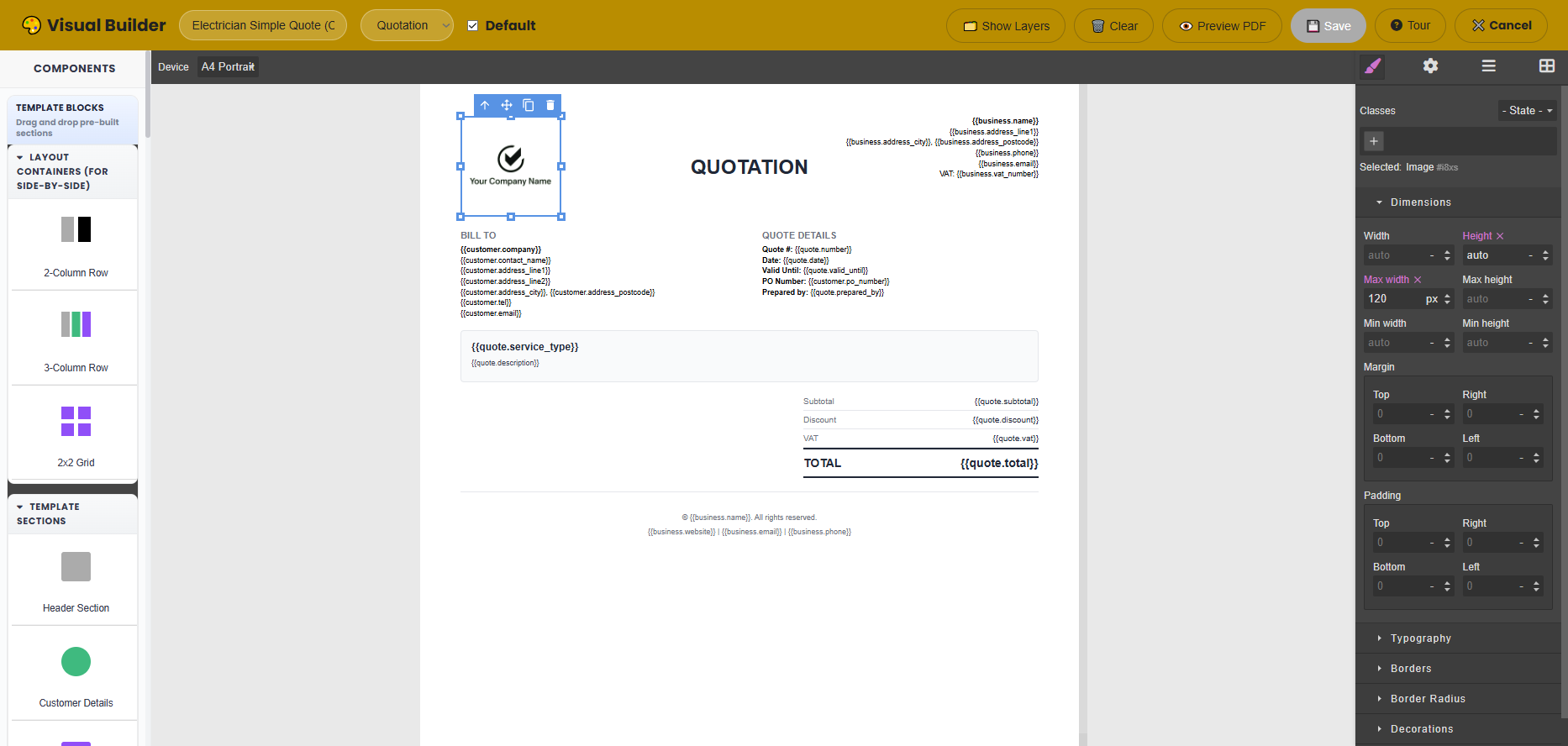
- Create Your Templates: Build new invoice and quotation layouts from scratch, upload existing PDFs for AI conversion, or customise starter templates. Set your defaults for each document type.
- Test Your Workflow: Generate a quotation or invoice, preview the branded PDF output, and send a test email to ensure client-facing documents look perfect.
Want help creating templates?
Give us a message, we'll be more than happy to create your first custom invoice and quotation templates to get you going.
Get in TouchTemplate Builder FAQs
Can I import templates from PDFs, Word, or other tools?
Yes. Upload any PDF to HiveAssist and it rebuilds the layout automatically, preserving typography, logos, and merge fields. If you're migrating from Word, export it as a PDF first for the cleanest conversion.
Can I set different templates for invoices and quotations?
Absolutely. Template Builder keeps invoice and quotation layouts separate so you can assign unique defaults, colours, and payment terms for each document type without duplicating work.
Will my templates stay responsive on mobile and email?
Yes. The PDF engine renders adaptive layouts, so clients viewing quotes on phones or email preview panes see the same polished branding, CTA buttons, and legally required information.
How can my team collaborate without overwriting templates?
Anyone with Admin access can update templates, while other roles can only select approved layouts. Version history and template analytics still show who changed what.
Ready to modernise every document?
Start your free 30-day trial today and experience Template Builder with full platform access. No credit card required.